
 EN/
EN/ Romana
 Magyar
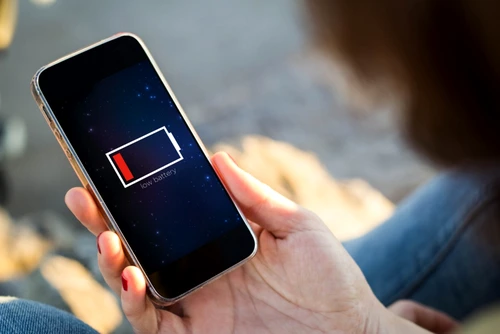
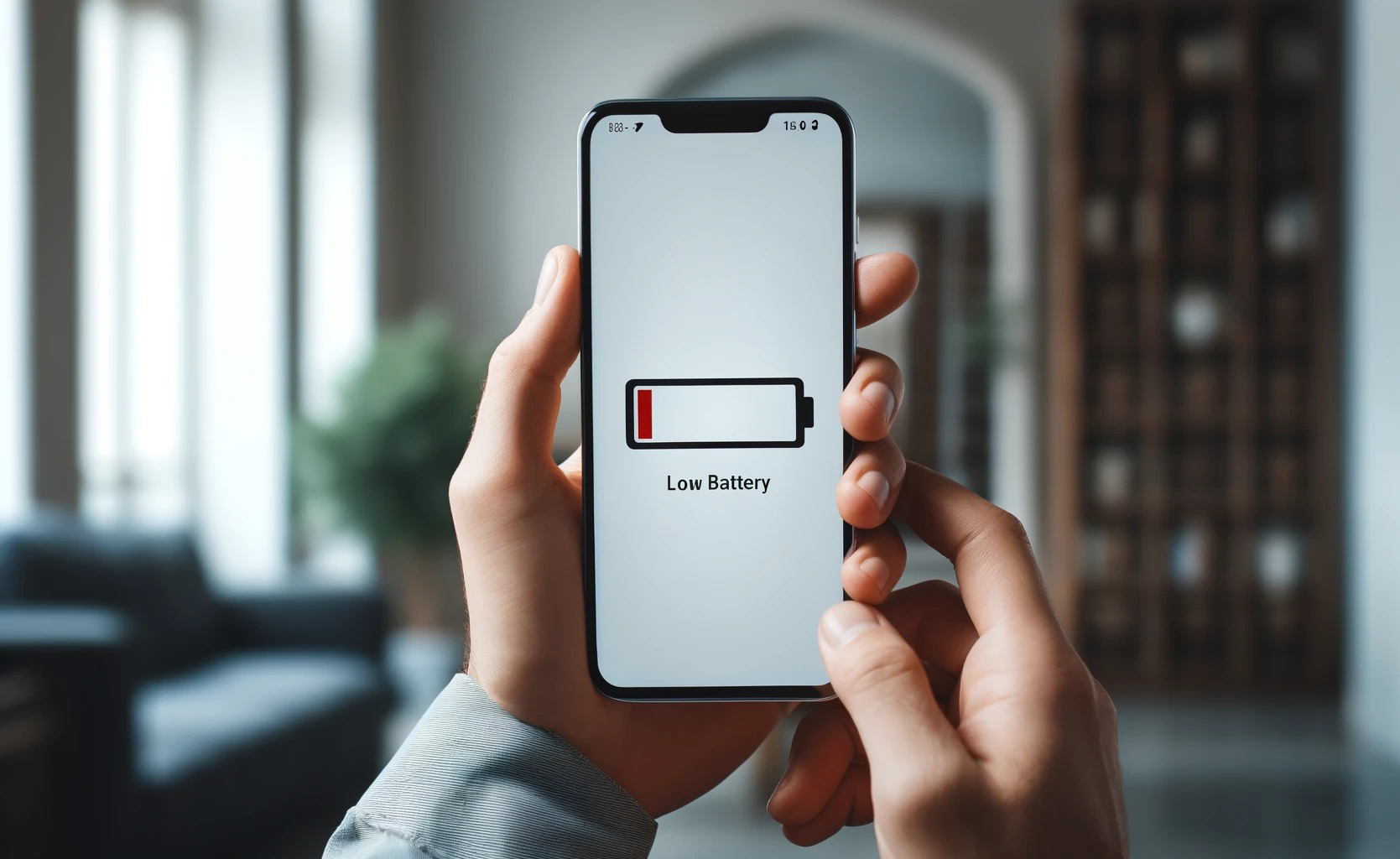
Did you know that, on average, smartphone users check their phones more than 80 times a day? This frequent usage inevitably leads to rapid battery drain. However, not all phone functions consume energy equally. There are certain features, while very useful, that are true "battery guzzlers."
The Screen: The Primary Energy Consumer
The screen is undoubtedly the biggest culprit for battery consumption. Modern phones, with their large, bright displays and high resolutions, demand significant energy to operate. The brighter the screen and the longer it stays active, the faster the battery drains.
Solutions:
- Lower the screen brightness manually or enable the auto-brightness feature to adjust based on ambient light.
- Set a shorter auto-lock time so the screen turns off when not in use.
Background Apps
Many apps continue to run in the background even when you’re not actively using them. Social media, streaming services, and messaging apps often check for notifications, updates, or location data, which drains the battery.
How to reduce consumption:
- Go to your phone settings to identify and close apps running in the background.
- Restrict background activity permissions for certain apps.
GPS and Location Services
GPS is essential for navigation, ride-sharing apps, and finding nearby places, but constant use can significantly drain your battery. The phone needs to communicate continuously with satellites for accurate positioning, which requires a lot of energy.
Tips to save energy:
- Turn on GPS only when necessary.
- Adjust app settings so they use GPS only while active, not in the background.
Network Connections: Wi-Fi, Bluetooth, and Mobile Data
Keeping Wi-Fi, Bluetooth, and mobile data constantly active can rapidly deplete your battery, especially in areas with weak signal strength, where the phone works harder to maintain a connection.
Useful tips:
- Turn off Wi-Fi when not in use to prevent automatic network searches.
- Disable Bluetooth when you don’t need it to stop the phone from searching for nearby devices.
- If you’re in a low-signal area, turn off mobile data or switch to Wi-Fi when available.
Notifications and Automatic Syncing
Frequent notifications and auto-syncing from apps like email, cloud storage, or social media contribute to battery drain, as the phone constantly checks for updates.
Solutions:
- Limit notifications to essential apps and disable auto-sync for unnecessary apps.
- Adjust syncing intervals to longer periods to reduce battery consumption.
Entertainment Apps and Games
Games and entertainment apps, such as video or audio streaming platforms, are some of the biggest energy consumers. High-graphic games require significant processing power, quickly draining the battery.
Practical solutions:
- Lower the graphics quality in games, if the option is available.
- Download video content for offline viewing instead of streaming.
Always-On Display and Widgets
The "Always On Display" feature is convenient for showing the time and notifications without fully activating the screen, but it consumes battery consistently. Similarly, widgets for weather, news, or other updates refresh frequently, leading to further battery drain.
How to save battery:
- Disable the Always On Display feature.
- Remove unnecessary widgets from the home screen.
Power-Saving Modes
Most phones offer power-saving modes that limit background activities, reduce screen brightness, and disable automatic syncing to conserve battery life. These modes are especially useful when your battery is low, and you don’t have access to a charger.
Recommendation:
- Enable power-saving mode to extend battery life when needed.
Conclusion
Managing battery usage can seem challenging, but by adjusting settings and identifying energy-draining features like the screen, GPS, or background apps, you can significantly extend your battery’s lifespan.
If you’re looking for a phone with impressive battery life or accessories to optimize performance, DualStore offers a wide range of products, including the Tank 3 Pro. Regardless of the device you choose, applying a few simple strategies will allow you to enjoy longer battery life and a smoother user experience.